 NotchDude
Download
NotchDude
Download
How to add a lid-close animation to your MacBook
Turn on Fold, preview the animation, and choose whether to allow the optional screenshot permission on a supported MacBook.
Fold animates your MacBook’s display as you close the lid, making the desktop appear to move closer, blur, and fade to black. It is part of NotchDude Pro and the free trial. Disclosure: I make NotchDude.
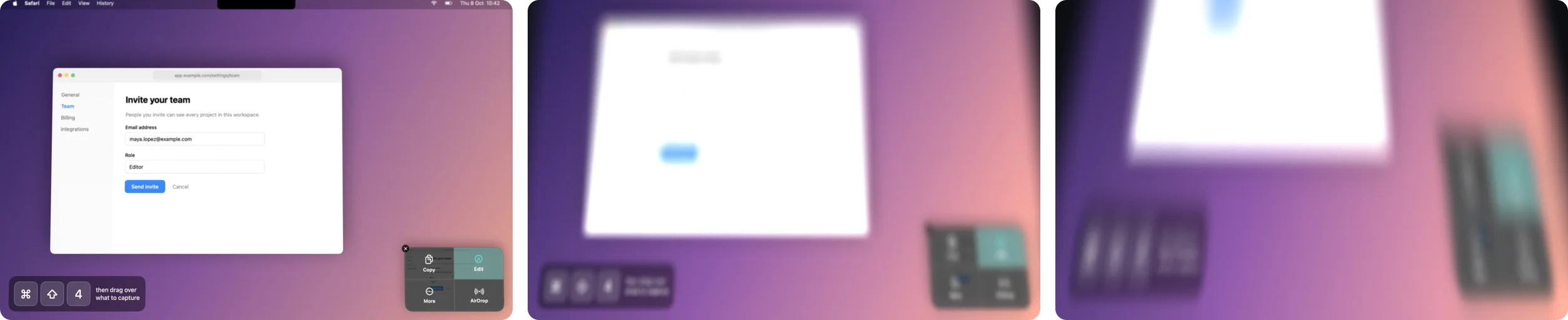
Turn on Fold
- Open NotchDude Settings › General and scroll to Closing the Lid.
- Choose Fold. You need Pro or the free trial. Hovering the tile plays a small sample even on Free.
- Optional: choose Allow… for Screen Recording to enable the full desktop animation. Without permission, the display still blurs and darkens. macOS may take you to System Settings › Privacy & Security › Screen Recording. Follow any restart instruction macOS shows.
- Click Preview, then lower your lid slowly to try the automatic effect.
Choose Off whenever you want the screen to stay as it is. The lid sensor is not polled while the effect is off or Pro access has ended.
Why does macOS ask for Screen Recording?
The full Fold animation needs one screenshot of your display when you start closing the lid. It animates that image while the lid moves. macOS calls the permission for taking a screenshot Screen Recording.
Fold does not record video. The screenshot stays in memory, is never saved or uploaded, and is discarded when the effect ends. Permission is optional: leave it off to use the simpler blur-and-darken effect. If a screenshot cannot be taken in time, that simpler effect is used too. See the privacy policy.
Leave the angle controls at their defaults first
NotchDude learns where your lid normally rests and starts the animation when you lower it by 4°. For example, if you work with the lid at 110°, the animation starts at about 106°.
- Highest start limits the working angle used for the effect. Leave it at 130° to follow most working positions.
- Full effect at sets the angle where the display becomes black. The default is 18°; 0° means fully shut. Raise it to make the display black sooner, or lower it to make it black later.
- Reset restores both defaults.
Open the lid again to clear the effect. If you pause partway for a few seconds above the ending range, the effect clears and learns that new working position.
If the effect does not appear
- Settings says there is no sensor: automatic Fold needs a MacBook with a readable lid-angle sensor; Apple silicon alone does not guarantee one. Preview still works on the built-in display.
- It goes dark too early: choose Reset, or lower Full effect at.
- It blurs and darkens, but the desktop does not move: allow Screen Recording for the full animation. If permission is already enabled, NotchDude may have been unable to take the screenshot or draw the animation.
- You have just woken the Mac: open the lid before closing again; this prevents an old image from unfolding over the desktop.
- Only an external monitor is visible: the effect targets the built-in display.
Fold arrived in NotchDude 1.12. The animation is adapted from Still, a separate open-source project. You do not need to install Still; its MIT licence is included in Settings › About.
Try NotchDude on your Mac.
Fold is part of Pro and the 48-hour trial. macOS 14 or later, Apple silicon.
Download for Mac